
Are you looking for the best WooCommerce product options plugins? If you are, keep reading this blog post. Here, we are going to show you the best options you should try!
WooCommerce does not allow customers to customize products by default. If you want to sell personalized items with extra options such as engraving, gift wrapping, custom sizes, file uploads, or paid add-ons, you need a product options plugin.
These plugins let customers personalize products on the product page. This increases average order value, improves customer satisfaction, and reduces returns. In this guide, we compare the best WooCommerce product options plugins in 2026, both free and premium.
We focus on features, performance, pricing, and real value to help you pick the right one.
Before going further, let’s see what to look for in WooCommerce product options plugins.
What to Look for In WooCommerce Product Options Plugins
When choosing a WooCommerce product options plugin, focus on the features that directly impact your store’s customization capabilities, performance, and long-term value.
- Range of Field Types: Look for support for checkboxes, radio buttons, text inputs, file uploads, color/image swatches, date pickers, and more advanced options.
- Pricing Flexibility: Choose plugins that support dynamic pricing, formulas, percentage-based add-ons, per-character pricing, and conditional pricing rules.
- Conditional Logic: Ensure the plugin provides reliable display rules so that options appear only when relevant to customer selections or product attributes.
- Performance & Speed: Prioritize lightweight plugins that minimize database queries and scripts to avoid slowing down your product pages.
- Free Version Quality & Ease of Use: Check how usable the free tier is and whether the interface is intuitive for both admins and customers, and assess compatibility and support.
Best 8 WooCommerce Product Options Plugins
| Plugin Name | Best for | Plugin Rating | Plugin Size | Free Version |
|---|---|---|---|---|
| YayExtra | Simple to complex product personalization without any hassle | 4.8/5 | 720 KB | Yes |
| Barn2 WooCommerce Product Options | B2B conditional options and dynamic add-on pricing | 4.9/5 | 803 KB | No |
| PH Product Add-ons for WooCommerce | Stores needing flexible product customization and booking-compatible service extras | 4.9/5 | 343 KB | No |
| Extra Product Options For WooCommerce | Stores needing a strong free version with flexible custom fields and conditional logic | 4.9/5 | 668 KB | Yes |
| Product Addons for WooCommerce | Stores looking for a modern drag-and-drop builder for extra product options | 4.9/5 | 803 KB | Yes |
| WPC Product Options for WooCommerce | Lightweight and straightforward extra product options | 4.1/5 | 207 KB | Yes |
| Advanced Product Fields by Wombat Plugins | Performance-focused stores needing a clean and fast field builder | 4.8/5 | 136 KB | Yes |
| PPOM – Product Addons & Custom Fields for WooCommerce | Stores needing extensive field types and complex product configurations | 4.4/5 | 2.51 MB | Yes |
1. YayExtra
YayExtra is a user-friendly WooCommerce extra product options plugin that allows you to add customizable fields and paid add-ons to your products. It supports various field types including text inputs, numbers, radio buttons, checkboxes, and more.
Customers can easily personalize products directly on the product page. You can create option sets and apply them to individual products, categories, tags, or the entire store in bulk. The plugin offers conditional logic to show or hide fields based on customer selections and displays real-time subtotal updates.
It integrates smoothly with other YayCommerce tools and helps improve product pages while increasing average order value.
Features
- Custom fields such as text, number, radio buttons, and checkboxes
- Apply options to products, categories, or the entire store
- Conditional field display rules
- Real-time subtotal calculation
- Easy bulk assignment of option sets
Pros and Cons
| Pros | Cons |
|---|---|
| Easy bulk assignment to products | Limited advanced field types in the free version |
| Clean and simple setup | |
| Good integration with YayCommerce plugins | |
| Real-time price updates |
Pricing
YayExtra is a freemium WordPress plugin. The lite version plugin can be downloaded from the WordPress plugin repository. The premium version plugin starts at $99 per year for a single-domain license. If you are interested in the lifetime subscription, that starts at $299 (one-time fee).
2. WooCommerce Product Options by Barn2
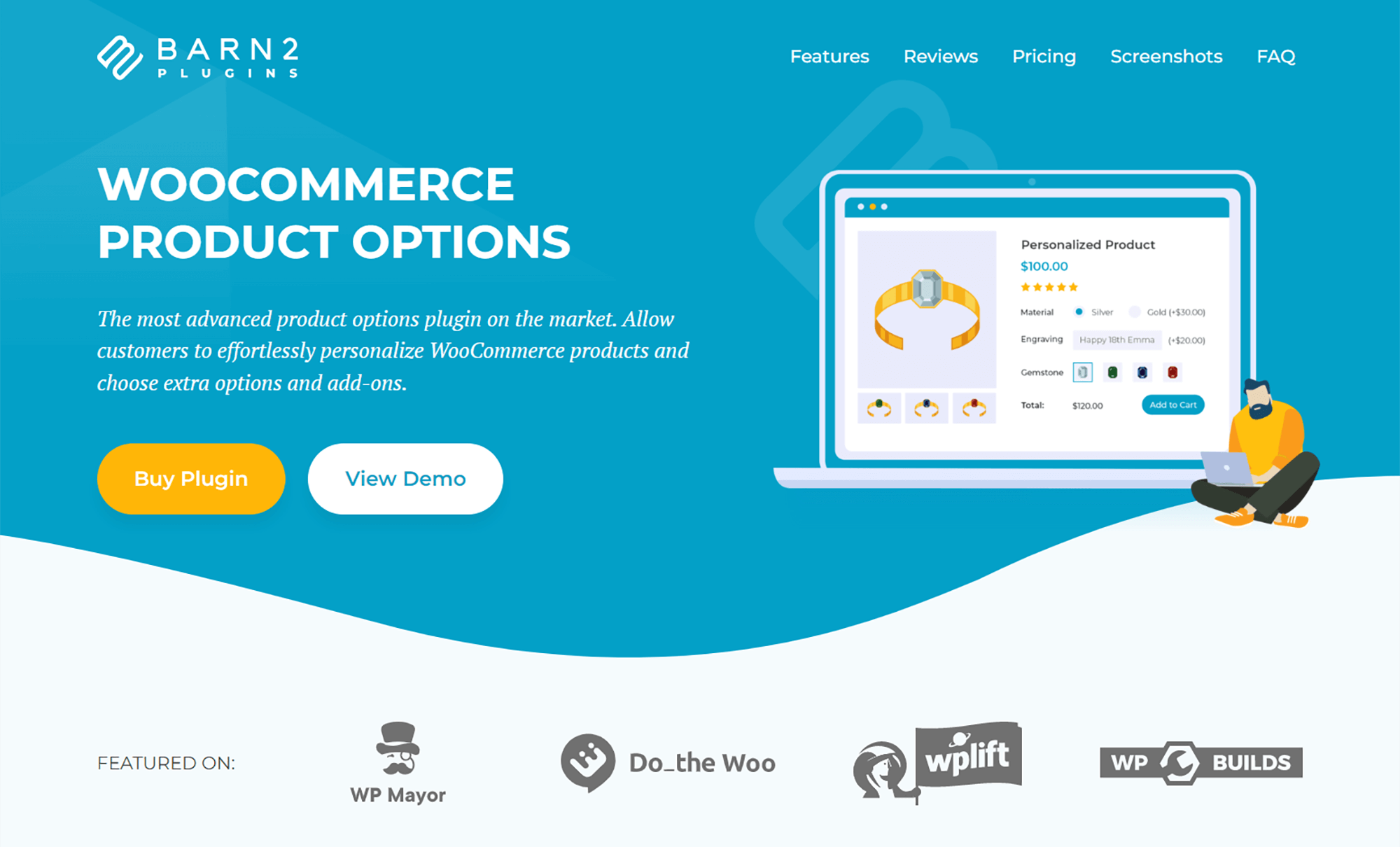
Developed by Barn2, the WooCommerce Product Options plugin is a swatches solution that goes well beyond what most variation swatch plugins offer. Priced from $99 per year, it lets store owners display product attributes as colour swatches, image swatches, button swatches, or labels in the standard WooCommerce way. The difference is you can also build product options directly inside the plugin, completely bypassing the native variations editor and the headaches that come with managing dozens of variations through the WordPress admin.
The customer-facing side is where it really stands out. Beyond pure swatches, you can add checkboxes, radio buttons, file upload fields, and text fields, with live image previews that update in real-time as the customer customises their product. This makes it a strong fit for stores selling personalised mugs, custom jewellery, configurable furniture, or any product where the variation choice involves more than just a colour selection.
Best for: WooCommerce stores that need both standard variation swatches AND the flexibility to build configurable products without wrestling with the WooCommerce variations editor.
3. PH Product Add-ons for WooCommerce
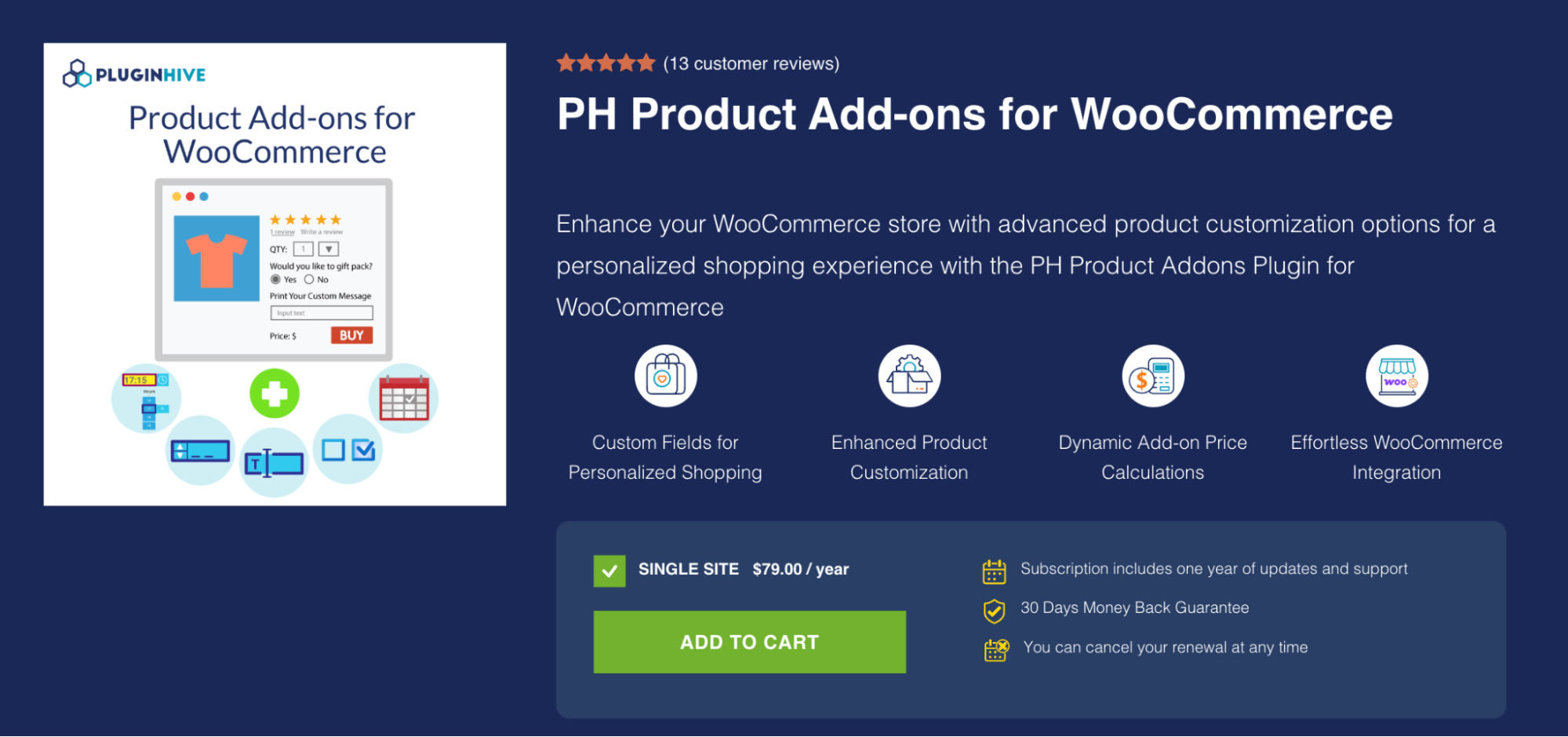
PH Product Add-ons for WooCommerce helps store owners create customizable products by adding extra fields and options to WooCommerce product pages. Customers can personalize products with text, file uploads, colors, dates, dropdowns, checkboxes, and more, while store owners can set flexible pricing and conditional options.
Features
- Custom product fields with text, dropdowns, checkboxes, radio buttons, color swatches, file uploads, and more
- Flexible add-on pricing based on fixed amounts, quantity, percentage, or character count
- Conditional logic to show or hide fields based on customer selections
- Assign add-ons to individual products or product categories with required or optional fields
- WooCommerce Bookings & Appointments compatibility for adding customizable options and additional charges to bookable products
Pros and Cons
| Pros | Cons |
| Wide range of product customization options | Paid plugin with no free premium version |
| Flexible pricing for product add-ons | Advanced customization may require technical knowledge |
| Powerful conditional logic | |
| File uploads and personalization options | |
| Works with WooCommerce Bookings & Appointments | |
| HPOS and Cart & Checkout Blocks compatible | |
| One-click add-on group duplication |
Pricing
PH Product Add-ons for WooCommerce costs $79 per year for a single site, including one year of updates and support. It also comes with a 30-day money-back guarantee, and subscriptions can be cancelled at any time.
4. Extra Product Options For WooCommerce
Extra Product Options For WooCommerce by ThemeHigh is a popular plugin that lets you add advanced custom fields and product add-ons to your WooCommerce store.
It supports up to 20 field types in the free version and many more in Pro, including text inputs, checkboxes, radio buttons, date pickers, and color options. You can group fields into sections, apply conditional display rules, and style them to match your theme.
The plugin helps create personalized shopping experiences, collect additional customer information, and increase orders based on customer selections.
Features
- 20+ custom field types including text, radio, checkbox, and date picker
- Conditional display rules based on products, categories, and tags
- Custom sections for better organization
- Flexible styling and display positions
Pros and Cons
| Pros | Cons |
|---|---|
| Strong free version with many field types | Some advanced features locked in Pro |
| Reliable conditional logic | |
| Good theme compatibility | |
| Lightweight and well-maintained |
Pricing
Extra Product Options For WooCommerce is a freemium WordPress plugin. You can get the free version plugin from the repository. The premium version will cost you $39 a year.
5. Product Addons for WooCommerce

Product Addons for WooCommerce by Acowebs helps you add rich extra product options to your WooCommerce items without any coding. The plugin features a modern drag-and-drop builder that lets you create personalized fields, including text areas, selection options, color swatches, and file uploads.
You can set up conditional rules so that fields appear or are hidden based on customer choices, apply options across products or categories, and show live price updates. It makes it easy for customers to customize orders while giving store owners full control over how extra options are presented.
Features
- Drag and drop builder for custom fields
- Multiple field types including file upload and swatches
- Conditional logic to show/hide fields
- Dynamic pricing options
- Easy assignment to products and categories
Pros and Cons
| Pros | Cons |
|---|---|
| Intuitive drag-and-drop interface | Some advanced features available only in Pro |
| Good conditional logic support | |
| Flexible field assignment | |
| Strong file upload capabilities |
Pricing
Product Addons for WooCommerce is a freemium WordPress plugin. You can get the free version of the plugin from the WordPress plugin repository. The premium version will cost you $49 a year.
6. WPC Product Options for WooCommerce
If you need a minimalist product option plugin for WooCommerce, try WPC Product Options for WooCommerce. This plugin will help you easily add any type of extra product options to your pages. The conditional logic feature is a plus in this plugin, and you can hide/show options as you like.
You can also easily apply the newly created extra product options to your products. The plugin is also compatible with most WooCommerce themes and plugins, so there won’t be any conflict.
Features
- Clean and intuitive option builder
- Multiple field types with customization
- Conditional display rules
- Seamless integration with WPClever plugins
- Quick apply to products and categories
Pros and Cons
| Pros | Cons |
|---|---|
| Simple and clean admin interface | Pro version needed for advanced features |
| Fast setup for product customization | |
| Good compatibility with WPClever ecosystem | |
| Reliable performance |
Pricing
WPC Product Options for WooCommerce is a freemium WordPress plugin. You can get the free version from the repository. The premium version will cost you $29 a year.
7. Advanced Product Fields by Wombat Plugins
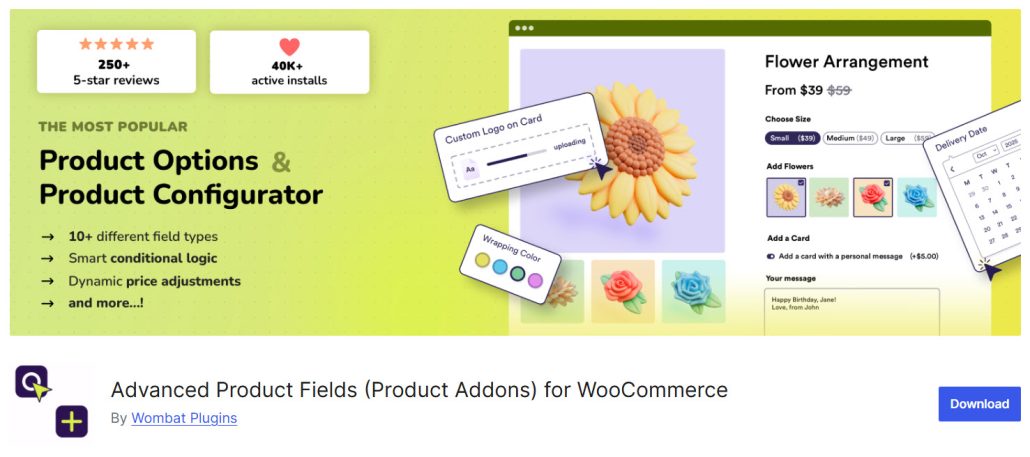
Advanced Product Fields for WooCommerce by StudioWombat is a clean, high-performance plugin that lets you add custom fields to your products using an ACF-style builder.
It supports a wide range of field types, conditional logic, and advanced pricing options, including formulas, percentage-based add-ons, and per-character pricing. The plugin is known for its excellent speed and lightweight code, making it ideal for stores that need powerful customization without sacrificing performance.
Features
- ACF-style field builder
- Wide range of field types
- Conditional logic support
- Advanced pricing formulas
- Per-character and percentage pricing
- Lightweight and fast performance
Pros and Cons
| Pros | Cons |
|---|---|
| Excellent performance and speed | Pro version required for full features |
| Clean and familiar interface | |
| Strong pricing flexibility | |
| Good conditional logic |
Pricing
Advanced Product Fields (Product Addons) for WooCommerce is a freemium WordPress plugin. The lite version plugin can be downloaded from the WordPress plugin repository. The premium version will cost you $69 a year.
7. PPOM – Product Addons & Custom Fields for WooCommerce
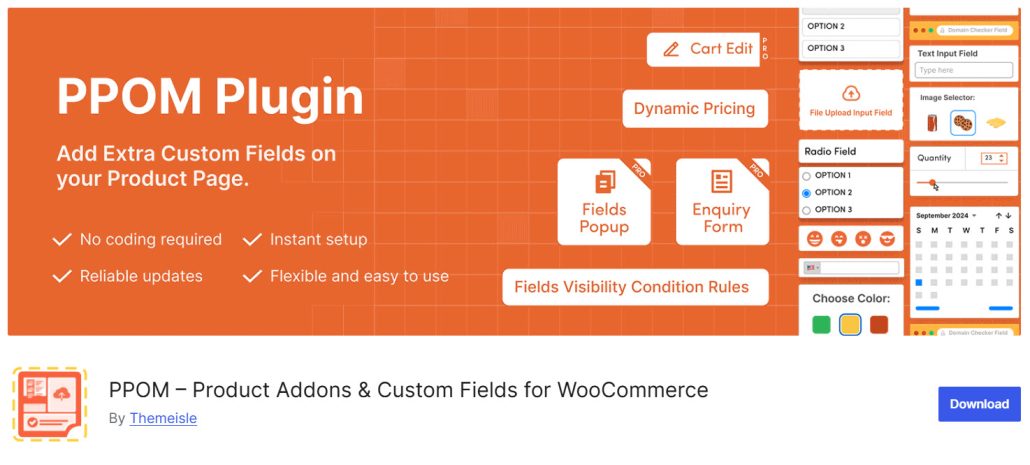
PPOM – Product Addons & Custom Fields for WooCommerce is a feature-rich plugin that lets you add advanced custom fields and product add-ons to your WooCommerce products. It supports a large number of field types, including file uploads, color swatches, date pickers, and more.
The plugin allows you to create option groups, apply them to products or categories, and use conditional logic to control field visibility. It is popular for its extensive customization options and flexibility in building complex product configurations.
Features
- Large selection of field types
- Conditional logic for fields
- File upload support
- Option group management
- Category and product level assignment
- Frontend display options
Pros and Cons
| Pros | Cons |
|---|---|
| Very extensive field types | Can be performance-heavy with many fields |
| Strong conditional logic | Interface feels cluttered |
| Good file upload capabilities | |
| Flexible assignment options |
Pricing
It is a freemium WordPress plugin. You can get the free version plugin from the repository. The premium version of the plugin will cost you $99 per year.
Video Tutorial
If you need to know how to use the YayExtra plugin to add extra options to the site, please check out this video:
Frequently Asked Questions
Now, let’s take a look at some frequently asked questions and answers on this topic.
WooCommerce product options plugins allow you to add custom fields and extra options to your products. These fields can include text inputs, checkboxes, radio buttons, file uploads, color swatches, date pickers, and more. They help customers personalize products directly on the product page.
You can add custom options using a product options plugin. These plugins let you create fields such as text areas, dropdowns, file uploads, and conditional fields. Once installed, you can apply these options to specific products or across your entire store.
The best plugin depends on your needs. YayExtra is a strong choice for most stores because it offers a good balance of features, easy setup, conditional logic, and smooth integration with other YayCommerce tools. Other popular options include Advanced Product Fields, Extra Product Options by ThemeHigh, and WooCommerce Product Add-Ons Ultimate.
Some plugins can affect page speed if they are not optimized. Lightweight plugins like Advanced Product Fields and YayExtra are known for good performance. It is always recommended to test the plugin on a staging site before going live.
Product variations are used for different versions of the same product (like size and color), while product options allow customers to add customizations and paid add-ons (like engraving, gift wrapping, or file uploads) on top of the main product.
Yes. Most good product options plugins support conditional logic. This feature lets you show or hide fields based on customer selections. Plugins like YayExtra, Advanced Product Fields, and Extra Product Options by ThemeHigh offer reliable conditional logic.
Plugins with strong file upload support include YayExtra, Extra Product Options by ThemeHigh, and PPOM. These plugins allow customers to upload files such as images, PDFs, and other documents when placing an order.
Consider your requirements such as the number of field types needed, conditional logic, pricing formulas, performance, and budget. Also check the quality of the free version and how easy it is to use. Testing a few options on a staging site is the best way to decide.
Yes. Most plugins allow you to apply option sets to individual products, categories, tags, or even the entire store in bulk. This saves time when managing many products.
Most modern product options plugins are compatible with popular page builders. However, compatibility can vary. It is recommended to check the plugin documentation or test it with your specific theme and page builder.
Conclusion
Adding extra product options to your WooCommerce store is one of the best ways to offer personalized experiences, increase average order value, and stand out from competitors. With the right plugin, you can easily add custom fields, conditional logic, and dynamic pricing to your products.
After comparing the top plugins, YayExtra stands out as an excellent all-round choice.
It offers a good balance of features, ease of use, and reliable performance. Whether you need simple text fields or more advanced customization, YayExtra helps you create engaging product pages that convert better.
Take time to test a few options and choose the one that best fits your store’s needs.
Here are some other articles you will find useful:
- 5 Smart Ways to Use a Notification Bar That Aren’t Just “Sale Ends Soon”
- WhatsApp vs Live Chat Widget: Which Chat Tool Is Best?
- 10 WordPress Notification Bar Examples That Actually Drive Sales
- 5 Reasons Multi-Step Forms Convert Better Than Long Single-Page Forms
- How to Edit Code Files Directly From Your WordPress Dashboard With Filester
